
BC.Game India App puts slots, BC Originals, cricket betting markets and the INR cashier on a phone icon for Indian players. Android installs from an APK. iOS uses Add to Home Screen in Safari.
Welcome package progress stays synced with desktop. Hindi and English remain in language settings after the first launch.
Install the app, sign in and make a deposit to open the lobby on mobile.
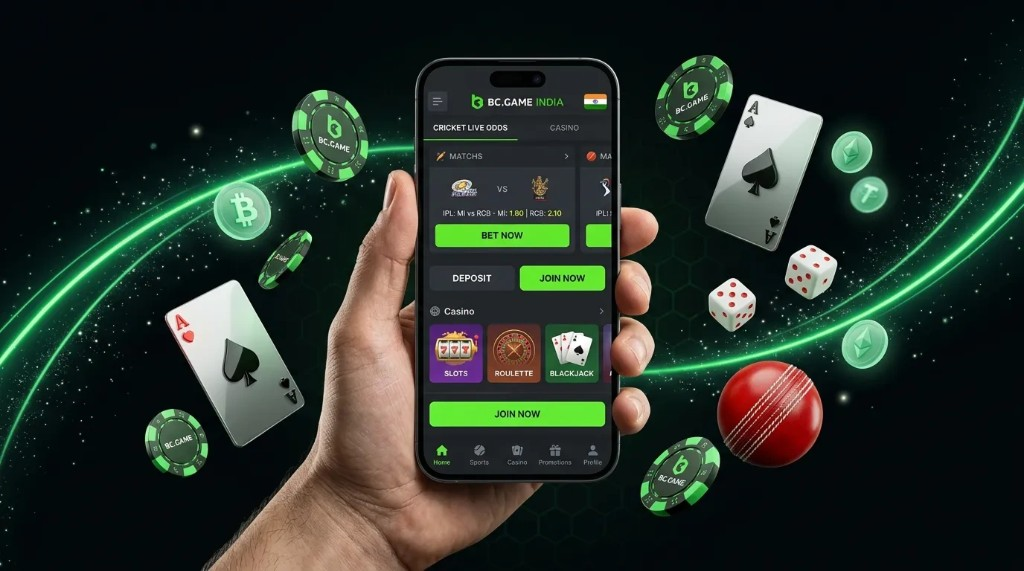
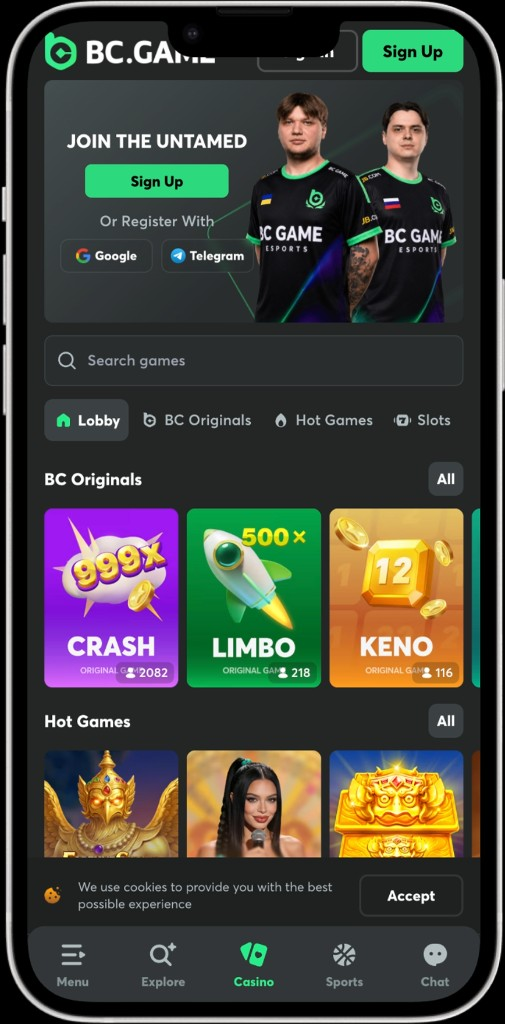
Android and iOS paths open the same lobby: 3,000+ casino games, 50+ BC Originals, live tables and 45 sports with cricket focus. Demo mode stays on many slots. Real-money play needs a funded wallet.
APK size and OS floors follow the live download page. Filters for studio, volatility and feature tags match the desktop lobby so favourite games stay easy to find on a small screen.
Sportsbook tickets save as drafts when the OS backgrounds the app mid-slip. Cashier rails — UPI, PayTM, AstroPay and crypto — open from the wallet icon without leaving mobile. Hindi and English remain in language settings after launch.
Android users install a package hosted from the product site. System settings must allow installs from the browser when the OS asks. Storage space and a stable connection reduce failed downloads.
If the package fails, confirm the download finished, free space exists and the permission toggle stayed on. Live chat can confirm the current package name when a mirror is rotated.
No dedicated iPhone binary ships through retail stores. Safari home-screen shortcuts still reach the full mobile product with lobby, sports and cashier.
Bookmarks alone do not create the standalone icon — the Add to Home Screen action is required for the full shortcut experience.
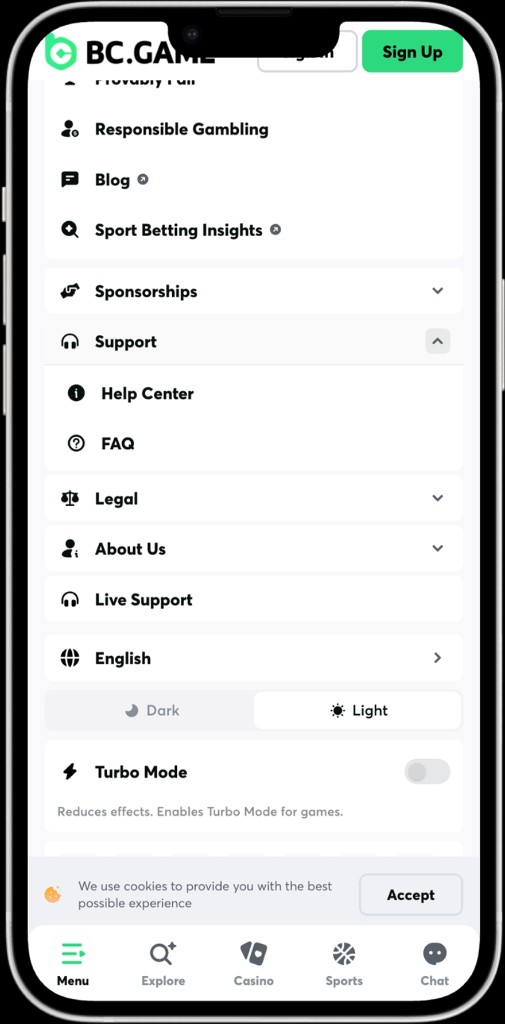
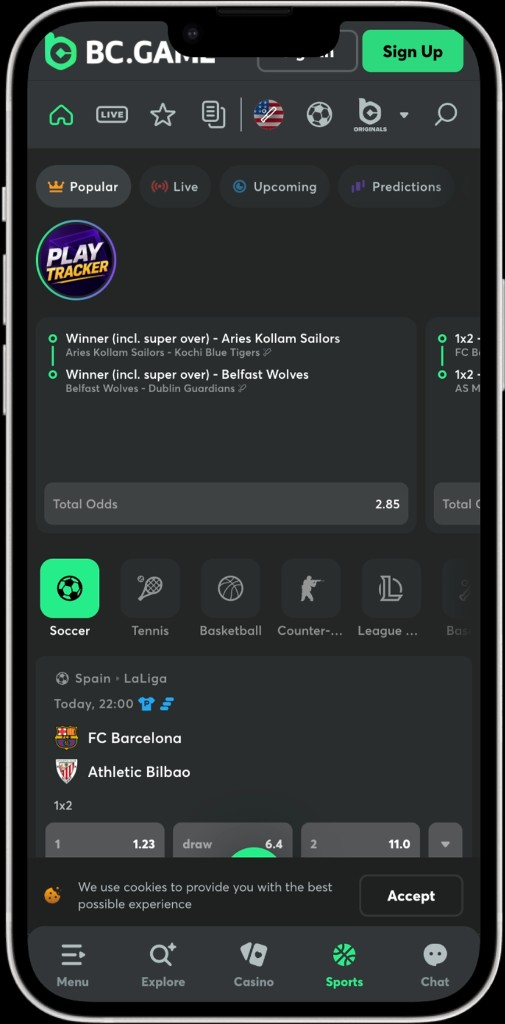
Mobile frames below show the BC.Game India app lobby, sportsbook, promotions, menu and VIP screens after install.
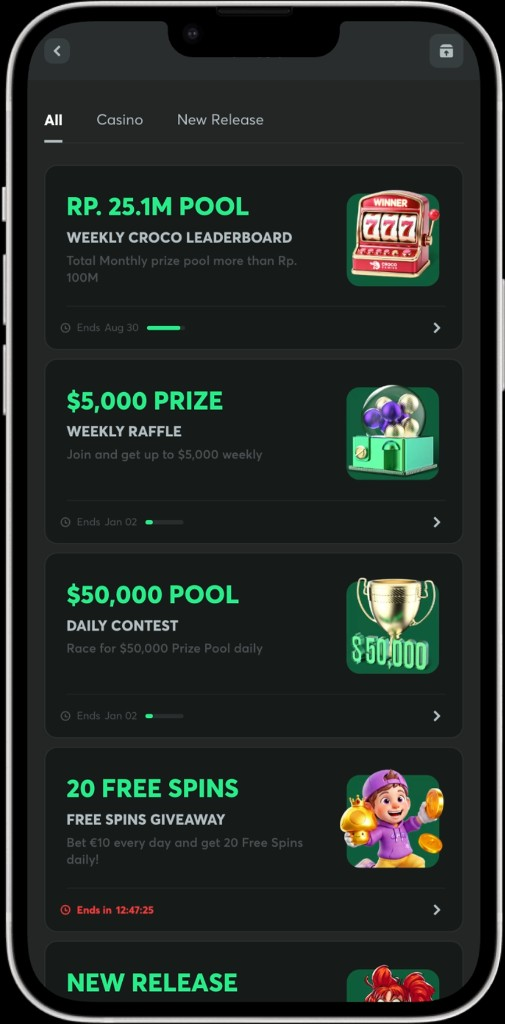
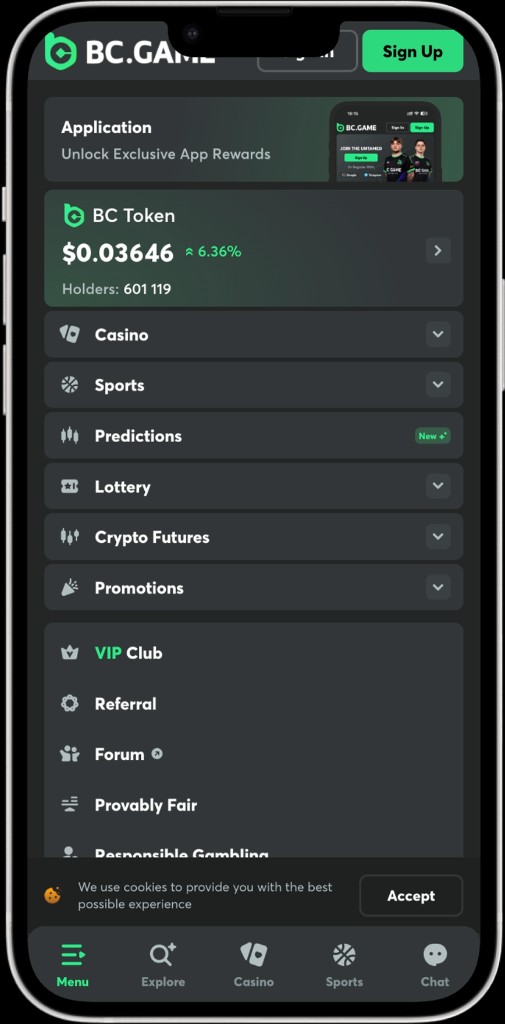
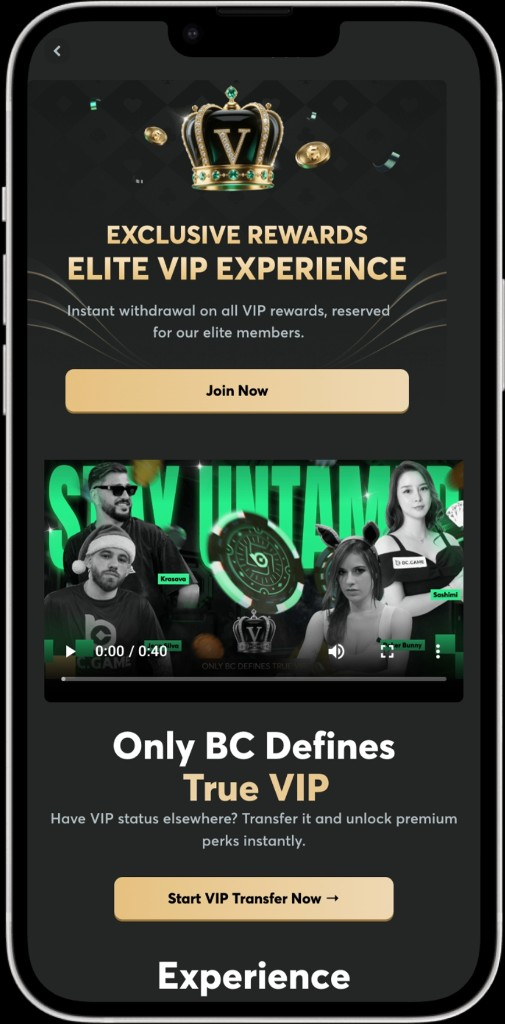
Performance depends on device RAM and network. Closing background apps during live dealer streams reduces stutter on older handsets.
UPI, PayTM, AstroPay and 120+ cryptos appear after login. Deposit floors near ₹100; welcome eligibility often needs about ₹830 on tier one. Withdrawal mins sit near ₹112 on listed rails.
Fiat payouts may show percentage fees plus a flat INR line at confirm. Crypto cashouts depend on network congestion and KYC stage. Screenshot the confirmation screen when opening a cashier ticket with support.
SSL protects traffic between the phone and the product. Optional 2FA adds a second step after password entry. Avoid shared devices without a lock screen; sign out after sessions on borrowed phones.
Licence No. #5536/JAZ and KYC/AML checks still apply on mobile cashouts. Biometric unlock, when offered by the OS wrapper, does not replace 2FA for account recovery. Live chat and email at [email protected] cover install and login tickets.
Yes. The APK opens casino, sports and cashier under the same account as desktop.
Yes. Safari Add to Home Screen creates a shortcut to the mobile site.
Yes. Welcome tiers, Lucky Spin and Quest Hub stay on the same profile after login.
Traffic uses SSL. Licence #5536/JAZ and KYC/AML checks apply. Enable 2FA for extra protection.
Confirm unknown-source permission on Android, free storage and a complete download. Live chat can confirm the current package name.
Yes. Pre-match and in-play cricket betting markets open in the mobile sportsbook with the shared balance.
No. One wallet funds both the mobile icon and the desktop browser.